Feedback

Environment Watch is available starting with Server 2024 Patch 2.
The Environment Watch Catalog provides a comprehensive reference to all Environment Watch (EW) visualizations available in Kibana. If you have installed EW, this catalog helps you understand what dashboards are included, how they're organized, and how to navigate the visualizations to monitor and analyze your environment effectively.
Environment Watch ships with a collection of predefined dashboards, each tagged with a feature domain and its Relativity prefix.
Dashboards can be filtered using the Relativity prefix to quickly see what is included out of the box. These dashboards give teams deeper insights into EW's observability capabilities and highlight the visualizations most useful for monitoring and operational needs.

To make exploration seamless, Environment Watch includes a navigation panel in Kibana that lists the most commonly used feature domains. Selecting a domain automatically reveals its related dashboards through a link panel. For a comprehensive view, the Kibana Dashboards UI allows users to see all dashboards at once and filter them by tags, providing the most efficient way to locate any dashboard.
Additionally, the Alerts Overview dashboard provides a centralized view of all available feature domains with shipped visualizations, helping users quickly explore and validate the dashboards included in their installation.
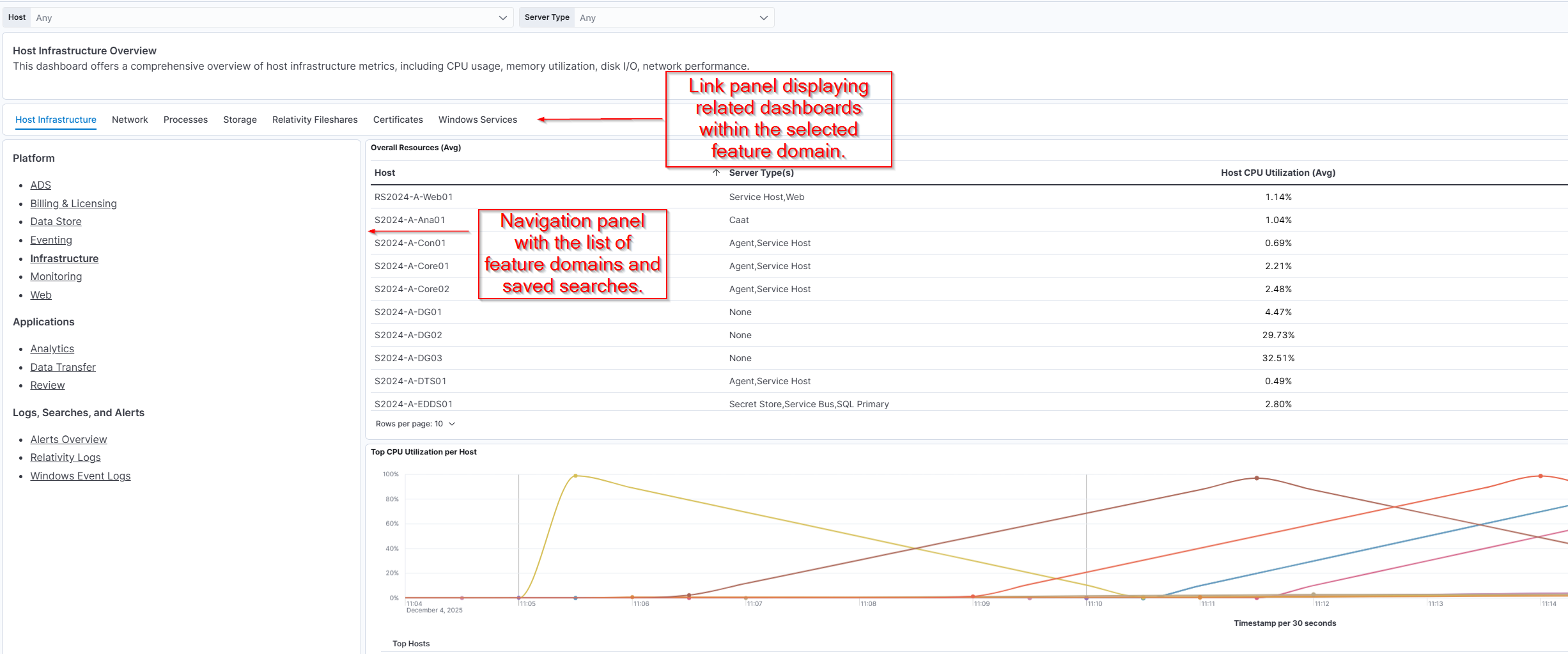
Tip: Use the navigation panel to switch between domains easily and identify dashboards relevant to each feature area.
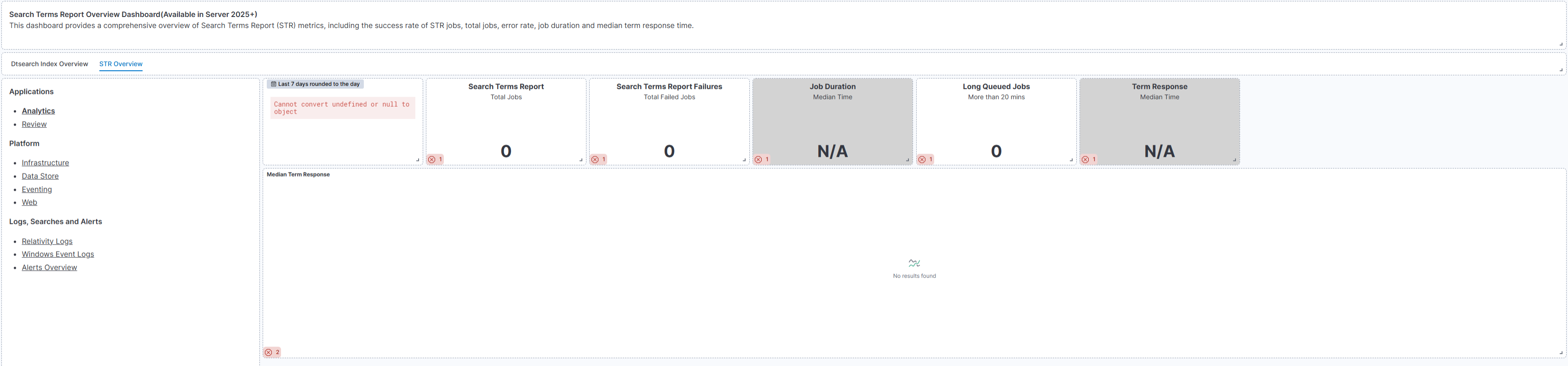
Visualization availability depends on the instrumentation included in your Relativity Server and its built-in applications. While most dashboards include many visualizations, some require newer instrumentation that may only be available in the latest server releases. If a dashboard loads empty, it means your current server doesn't include the required instrumentation.