


Feedback

This dashboard provides visibility into SQL Server database disk performance by tracking read/write throughput and latency metrics. It helps you identify bottlenecks, monitor trends, and troubleshoot performance issues related to disk activity in your SQL instances.
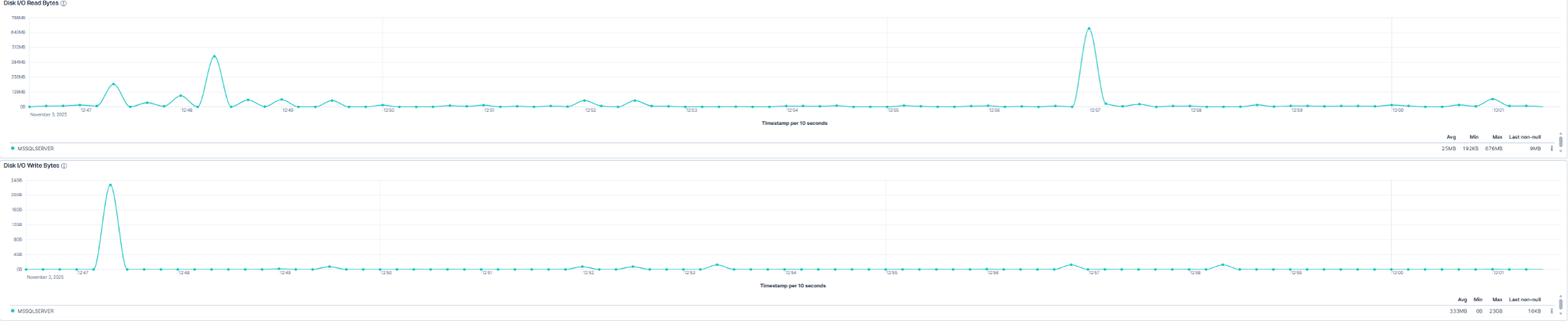
This dashboard shows how many bytes the SQL Server reads from and to disk.
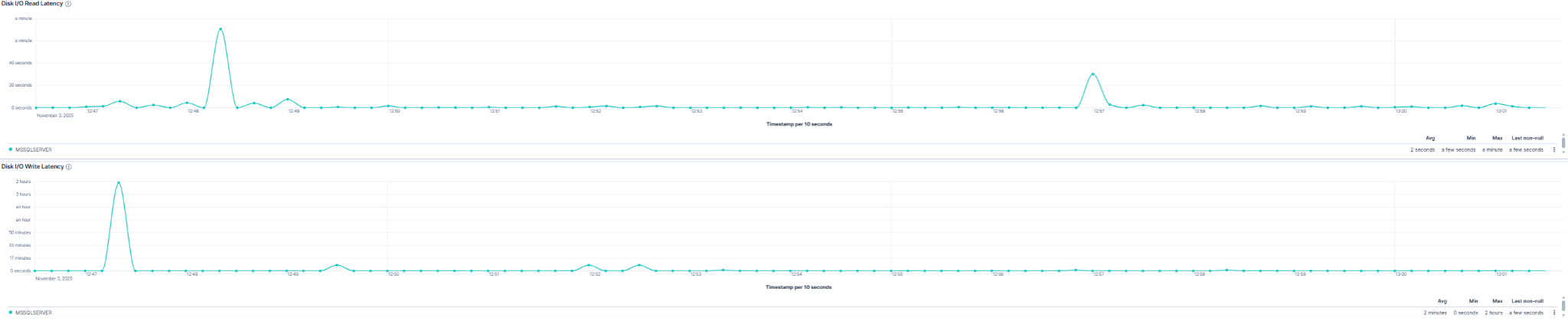
This panel shows the time each read or write operation needs to finish.
| Use Case | Description |
|---|---|
| Performance troubleshooting | Correlate latency spikes with query execution, indexing, or backup jobs. |
| Capacity planning | Track growing throughput to plan storage expansion or optimization. |
| Health monitoring | Detect unusual or sustained I/O that could reduce SQL Server responsiveness. |
| Root-cause analysis | Combine throughput and latency data to confirm or rule out storage issues. |
