


Feedback

Last date modified: 2026-Aug-20
With the dtSearch queue admin page, you can monitor all dtSearch indexing jobs across an instance of Relativity that are not yet complete. This page only shows dtSearch jobs that you can access.
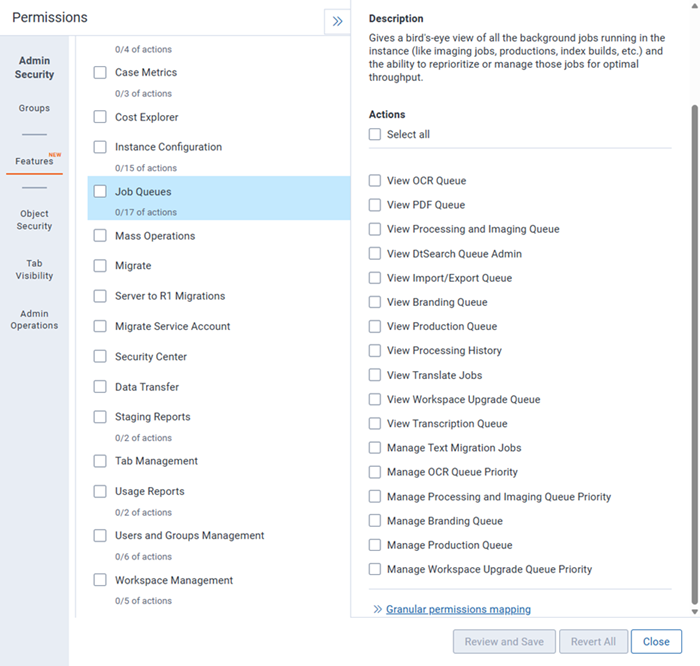
Manage permissions for this feature on the Features tab. Grant the full feature for a group, or customize access with individual actions. For an overview of features and actions, see
You must have the View DtSearch Queue Admin permission.
The dtSearch Queue Admin is an instance-level page. This page is a sub-tab of Queue Management.
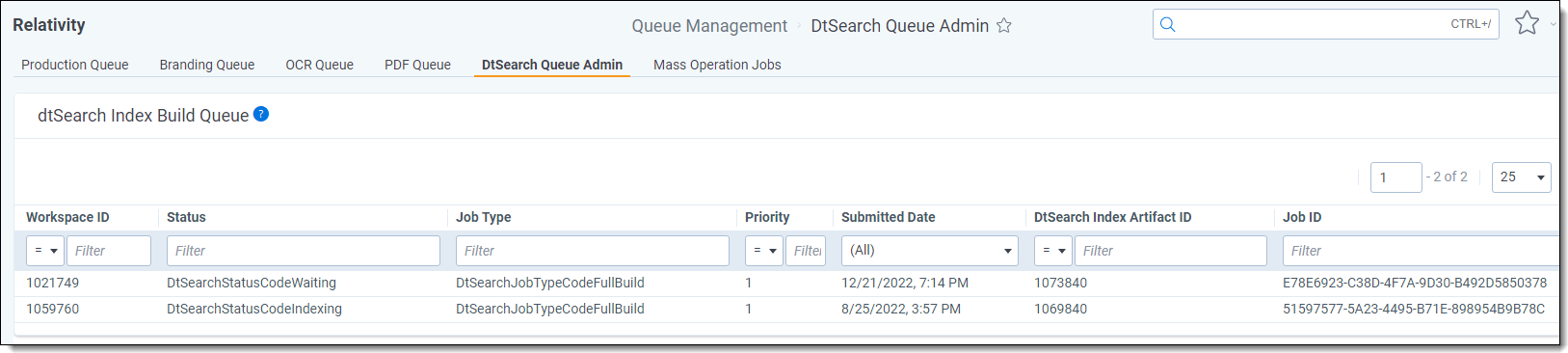
The following list contains the information you can find in the dtSearch Index Build Queue list:
