Saving selected documents as a list
To save a group of documents in the Analysis Results grid as a list, follow the steps below.
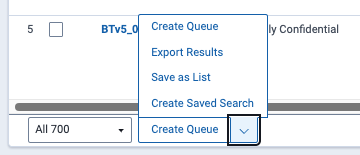
- Select the box beside each individual document in the grid that you want to add to the list.
- Click Save as List from the mass operations list at the bottom of the grid.

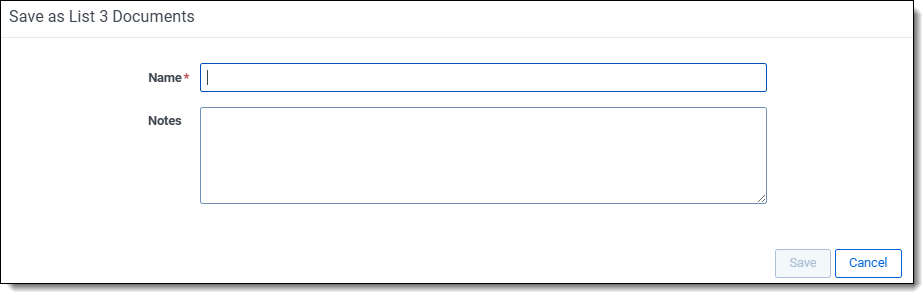
- On the Save as List modal, enter a unique Name for the document list.

- Enter any Notes in the text box to help describe the list.
- Click Save.
A green confirmation banner appears.
For more information on lists, see Lists.