


Feedback

Last date modified: 2026-Sep-17
You can export the contents of all available criteria tabs for the currently displayed prompt criteria to an MS Word (.docx) file. This can be helpful for reviewing criteria, saving it to use later, and collaborating with others on it.
 ) icon next to the double left arrows Collapse (<<) icon.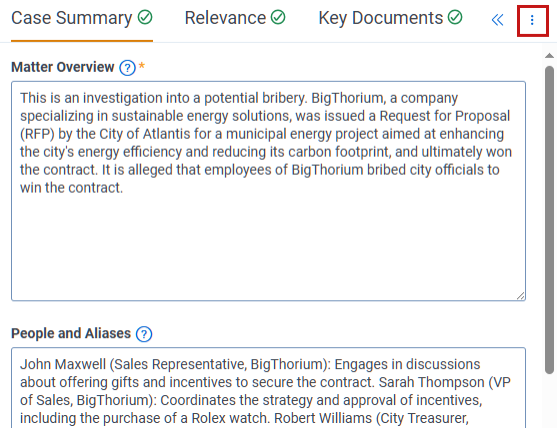
Audit logs track all export actions from your project.
