Last date modified: 2026-Jun-30

Creating a saved search

To save a group of documents in the Analysis Results grid as a saved search, follow the steps below.
  1. Select the box beside each individual document in the grid that you want to add to the saved search.
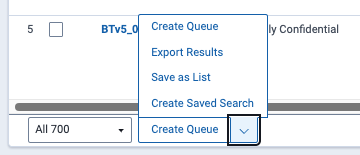
  2. Click the Create Saved Search option from the mass operations list at the bottom of the grid.

    Mass operations dropdown list of options

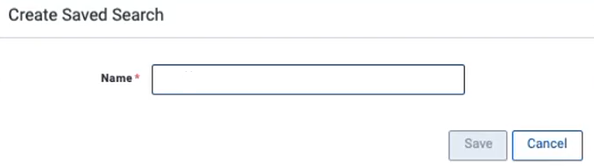
  3. Enter a unique Name for the saved search.

    Create Saved Search modal

  4. Click Save.

A green banner displays confirming the save and providing a link to the saved search in the Document list.

For more information on lists, see Saved search.

Return to top of the page
Feedback