


Feedback

Last date modified: 2026-Nov-12
On February 1, 2027, the following Case Dynamics specific features will no longer be functional:
The objects associated with these features will remain in the workspace and can be optionally deleted by system admins. The Case Dynamics tab strip will be updated to show only the tabs for Facts, Issues, and Interview Questions. The rest of the tabs will be deleted or no longer visible.
We recommend exporting any timeline builders and print profile reports prior to the deprecation or when migrating from Server to RelativityOne. After the deprecation, reporting will be done via the Export to File mass operation for Facts, Issues, Interview Questions, and Entities.
Listed below are questions you might have about the Case Dynamics deprecation:
 What happens to my data?
Your data is preserved. As part of the deprecation, Case Dynamics objects, including Facts, Issues, Interview Questions, and Entities, will be converted into standard Relativity Dynamic Objects (RDOs). This means your data and any customizations to these objects in workspaces will remain intact. You will have the standard Create, Edit, Delete, and Mass Export capabilities that come with RDOs.
Because these objects will no longer be locked to the Case Dynamics application, you will also gain new capabilities:
Will any customizations be lost?
No. Customizations to Case Dynamics core objects, including Facts, Issues, Interview Questions and Entities, which includes custom fields, views, and layouts, will be preserved after the deprecation. This means you can continue to use the objects using the standard RDO workflows.
What should I do to prepare before February 1, 2027?
We recommend doing the following before the deprecation date:
Can I preview what my workspace will look like after the deprecation?
If you’d like to preview the post-deprecation experience before February 1, 2027, you can replicate it manually on a test workspace:
The following sections describe how Case Dynamics functioned before and after the deprecation to help you prepare.
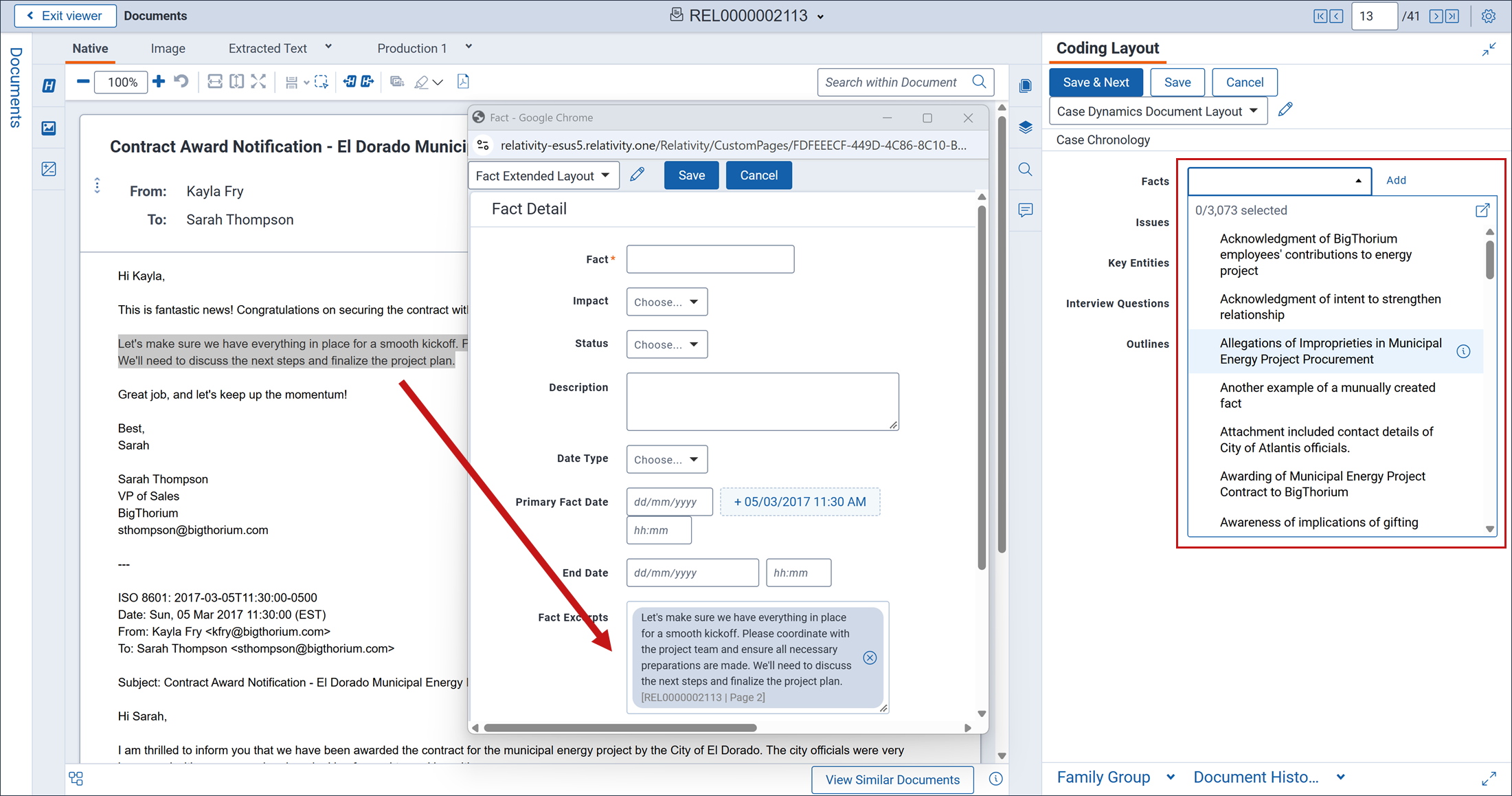
Before deprecation, you can right-click and use the Case Dynamics context menu in the Viewer to:
The coding layout also supported drop-down menus for linking multiple objects directly, including:
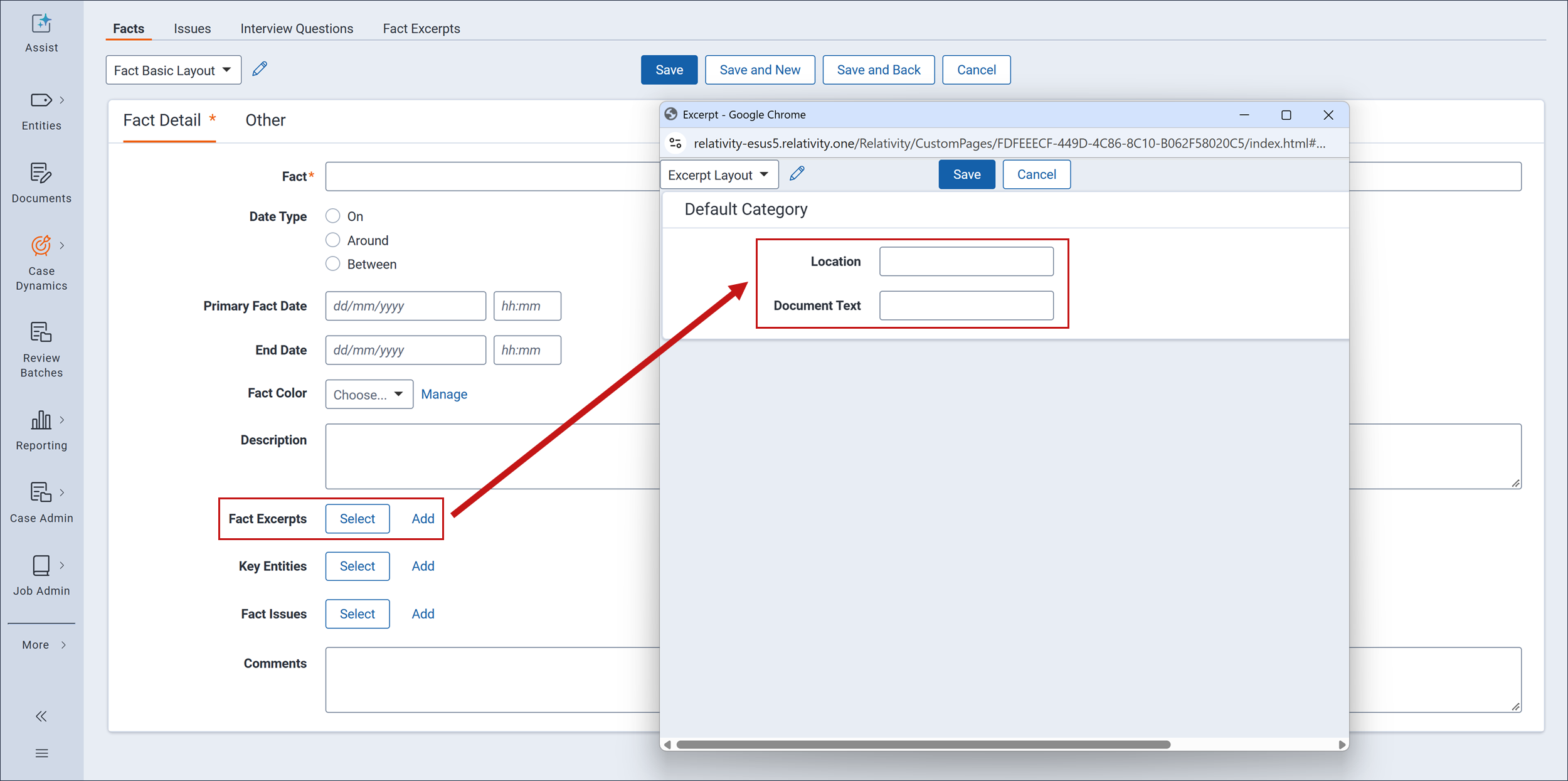
After deprecation, the right-click-to-create-fact workflow from the Viewer is retired. To continue building out facts with document excerpts, system admins will need to:
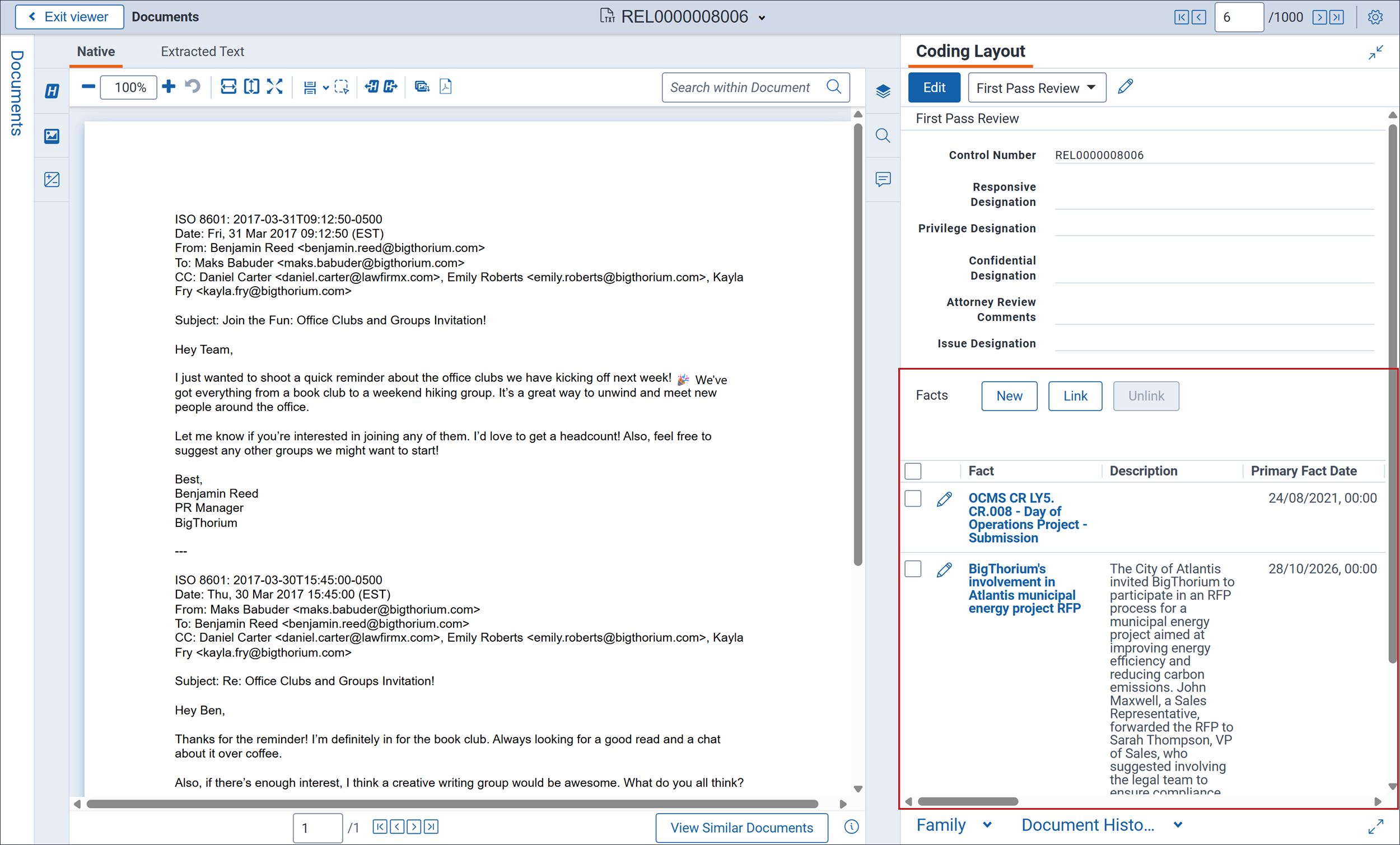
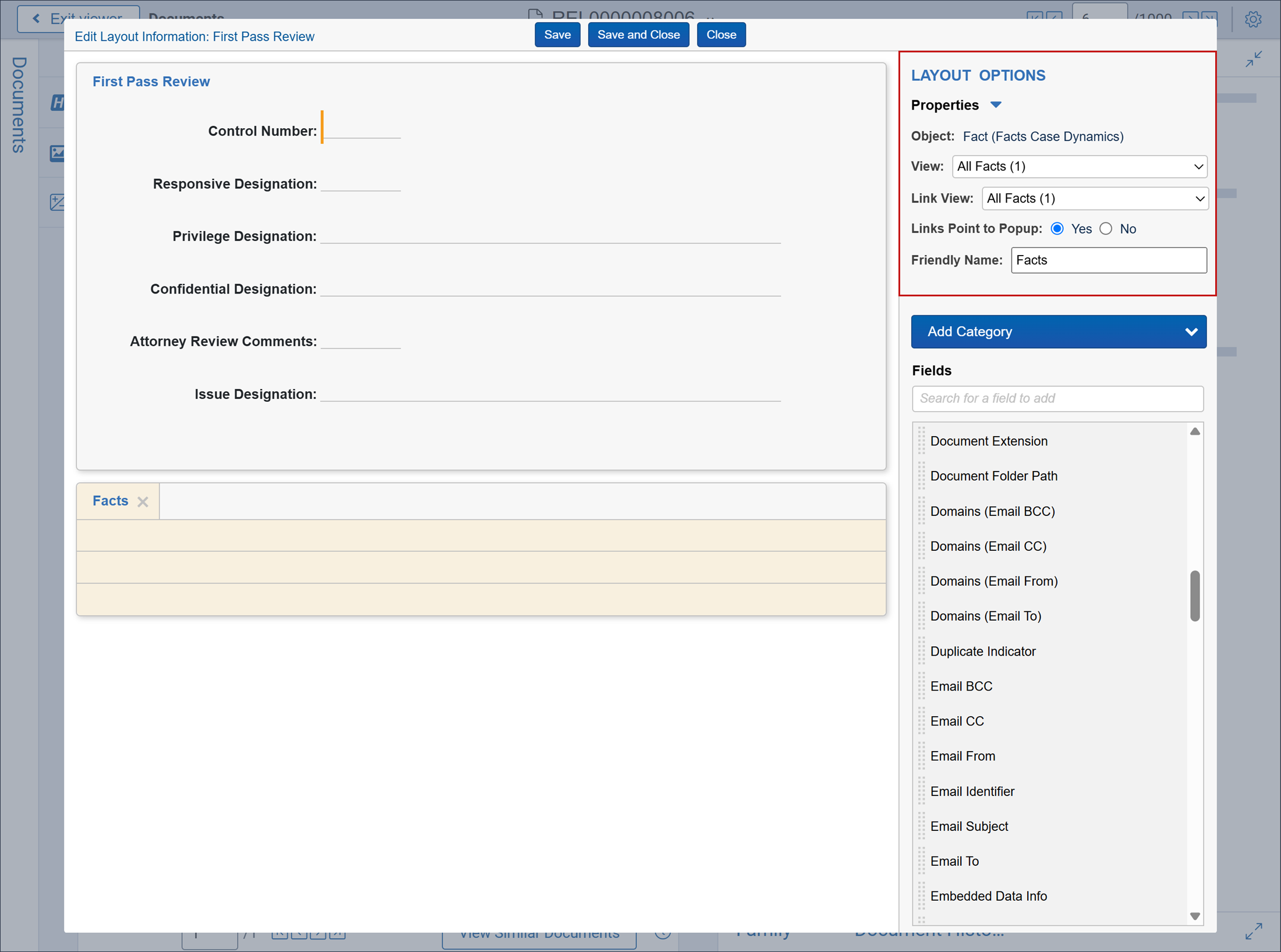
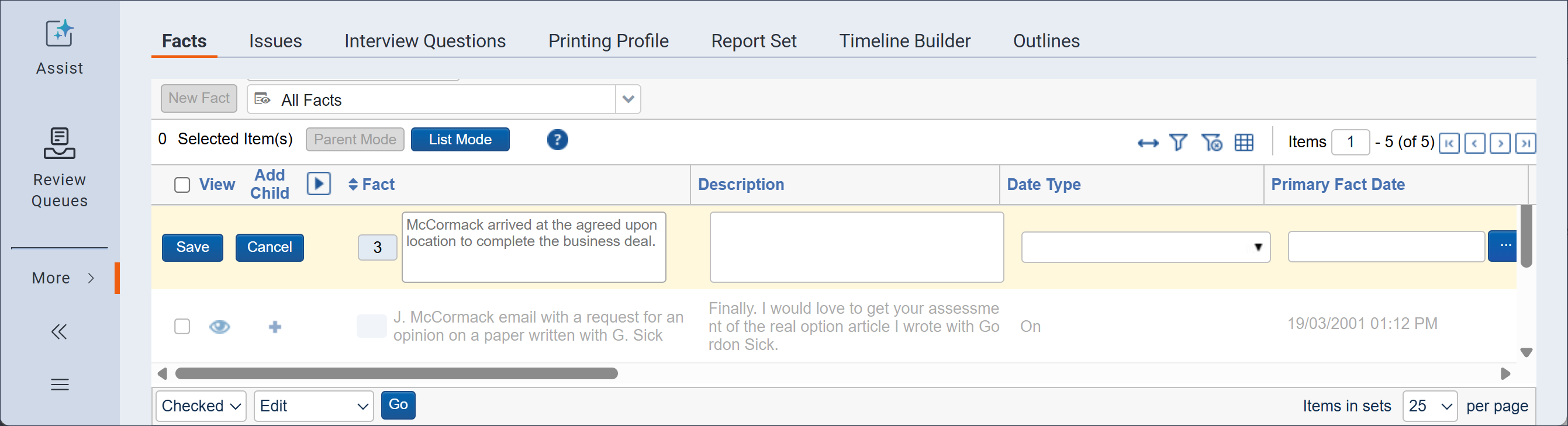
Before deprecation, these list pages are supported:
After deprecation, the Facts, Issues, and Interview Questions tab will look and function like other lists in Relativity.
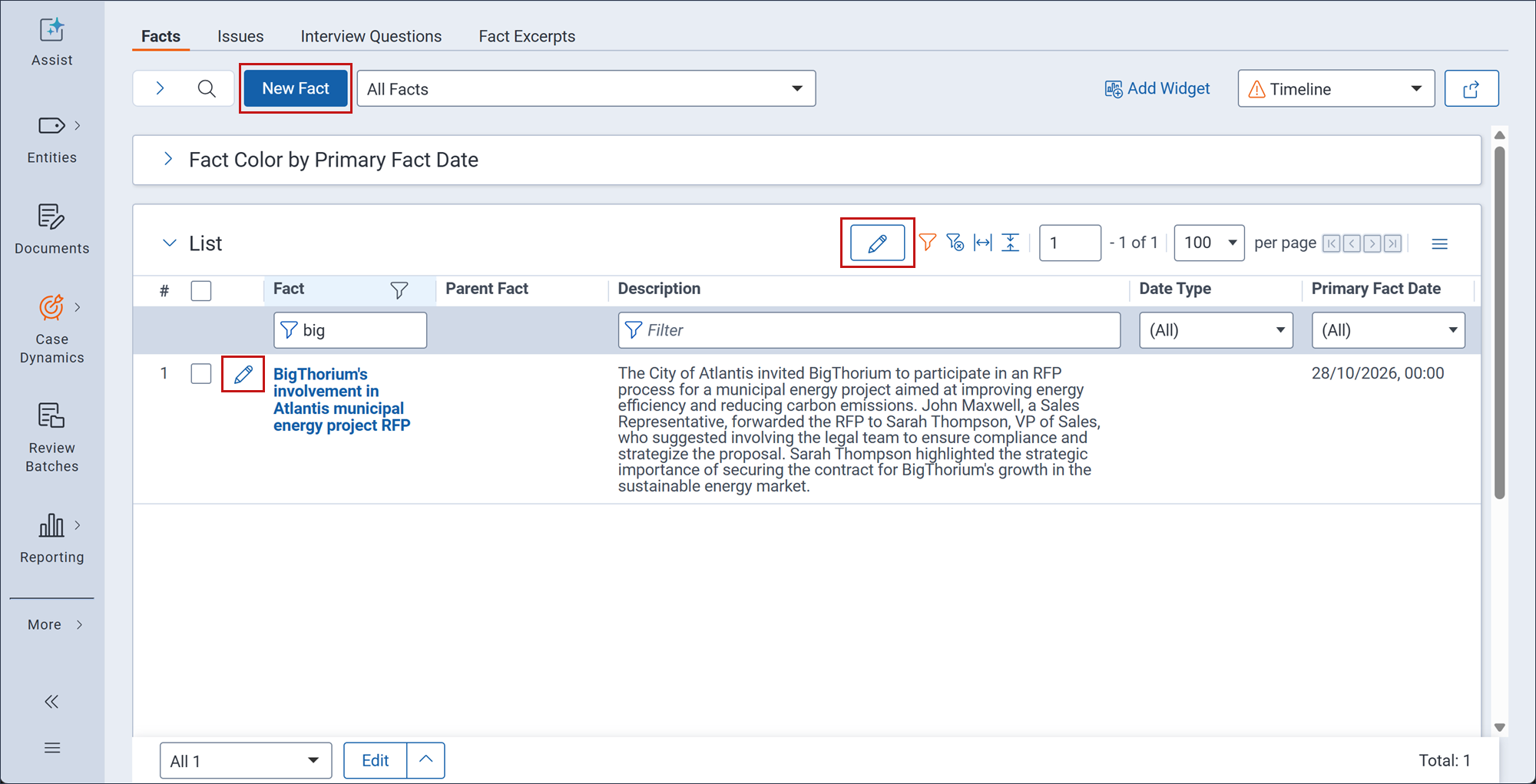
The following new capabilities are available when the standard list pages are exposed:
Additionally, with this deprecation, system admins can update and rename any layouts, fields, object types and tabs that were previously locked by the application.
