Relativity Server 2025 is not yet generally available, but is targeted for release between December 12-19, 2025. This documentation does not necessarily reflect or accurately describe the release version of Server 2025.

Mass move

You can use the mass move operation to move selected documents from their current folder to another existing folder. If you mass move any documents, any custom security applied to those documents is lost. The document inherits the rights of the new parent folder.Mass move is available from the mass operations bar.

You can't use mass operations on Data Grid-enabled fields.

  1. From the mass operations bar on the document list, choose whether to move All searchable items, Checked items or These items in the current returned set.
  2. Select Move in the drop-down menu.
  3. The mass move select folder form displays.
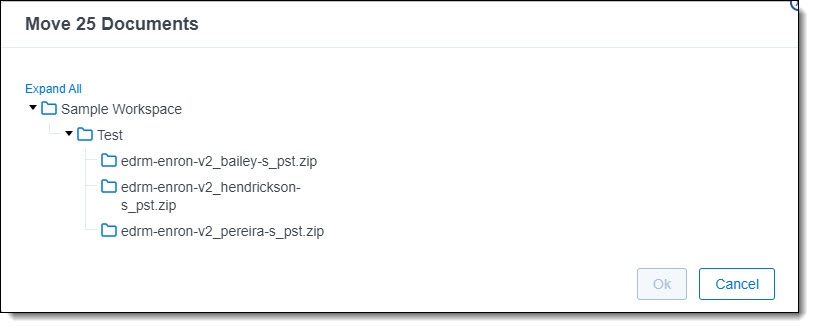
  1. Select the target location and click OK. Note that all documents move to the target directory. The subdirectory structure of the source folder is maintained.
  2. Mass move folders

Return to top of the page
Feedback