This site is currently undergoing maintenance, so instances of "RelativityOne" may still be present. You may also experience 404 errors, search disruptions, and temporary style changes.

Last date modified: 2026-Jul-14

View documents

You can view the total number of image and native files to produce and other specific information about each document included in a production.

To view documents in a production:

  • On the Production console, click View Documents.

The View Documents window displays the following fields for each production document:

  • Document Identifier
  • Data Source Name
  • Production Option
  • Begin Bates
  • End Bates
  • Has Native
  • Has Images
  • Has Redactions

You can also find this information on the Production Information object.
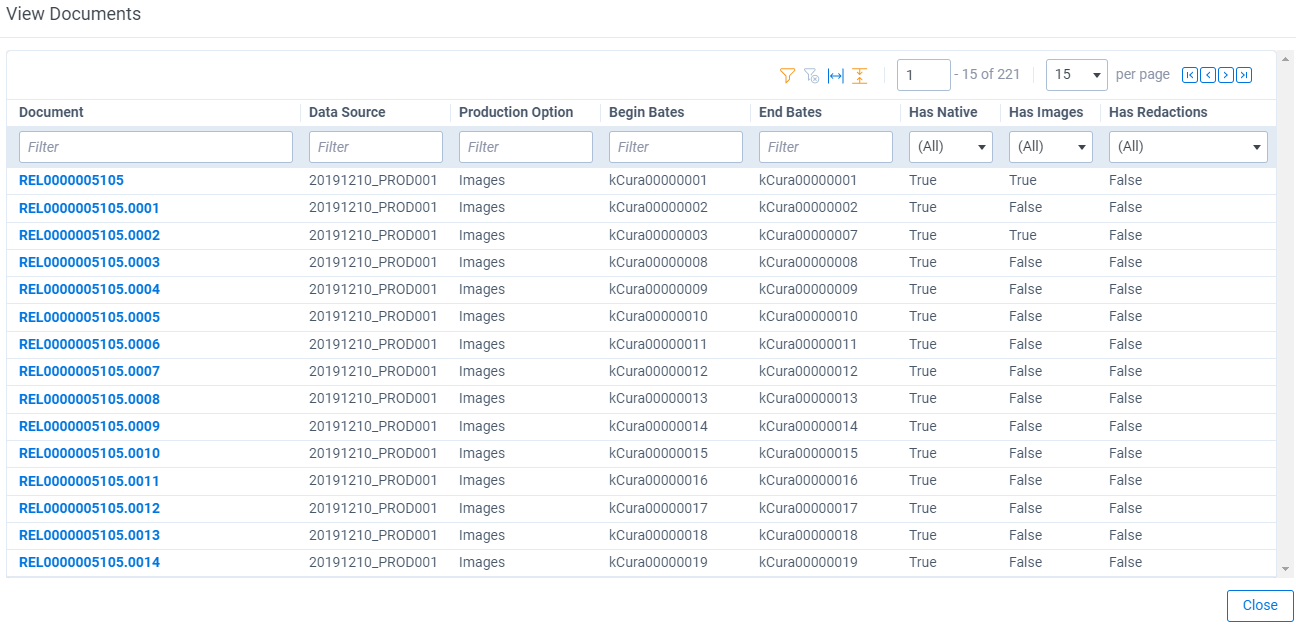
The View Documents window displaying columns for Document Identifier, Data Source Name, Production Option, Begin Bates, End Bates, Has Native, Has Images, and Has Redactions

Feedback